

Παπούτσια
Find sneakers, boots and other footwear in one collection. Use product photos to compare the toe, sole and construction, then inspect any available QC for the same listing.
Η επόμενη εύρεση ξεκινά εδώ.
Search the iTaoBuy Spreadsheet for shoes, clothing and everyday finds. Open a listing to compare seller photos, reference prices and available QC, then continue with its original product link.
Start with a photo instead

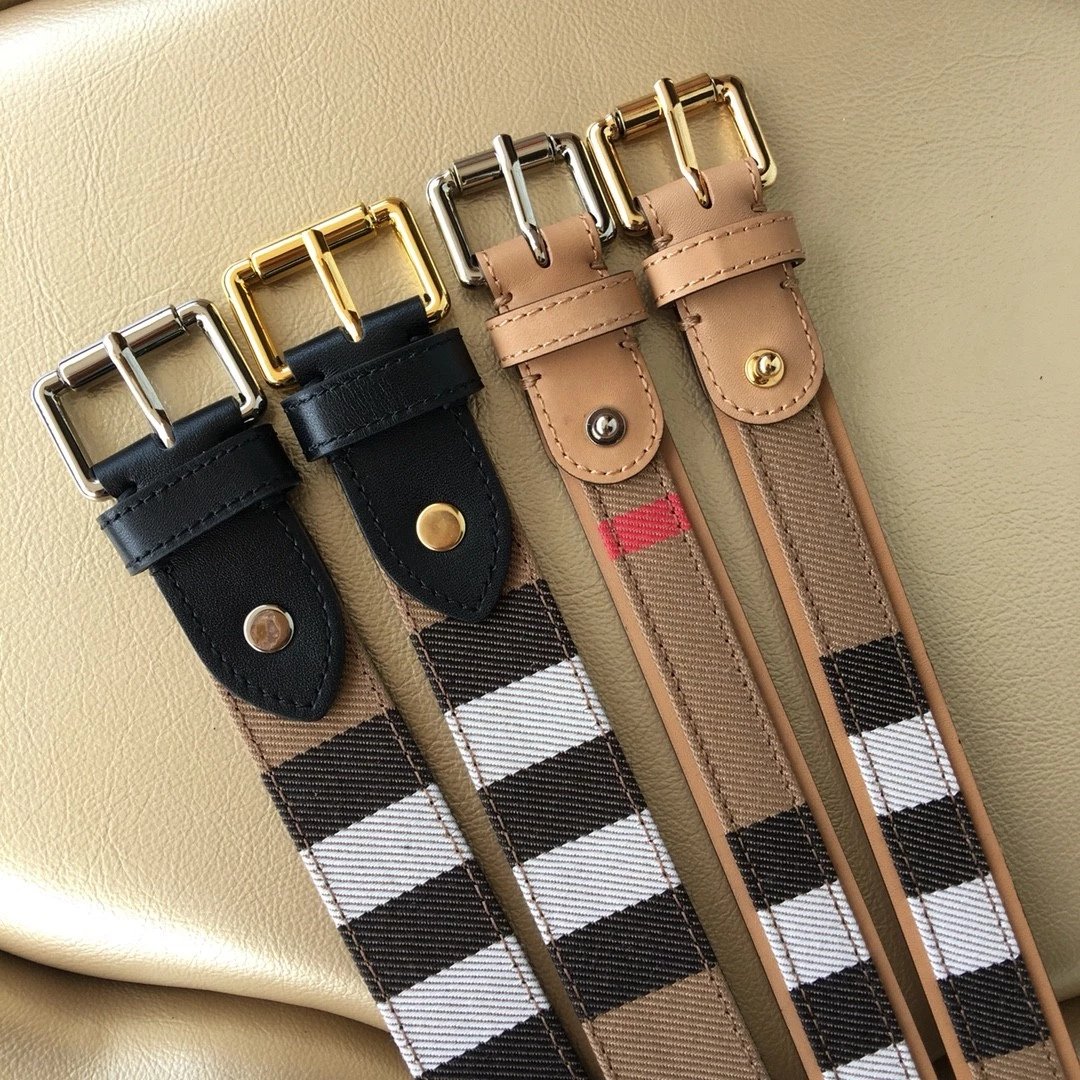
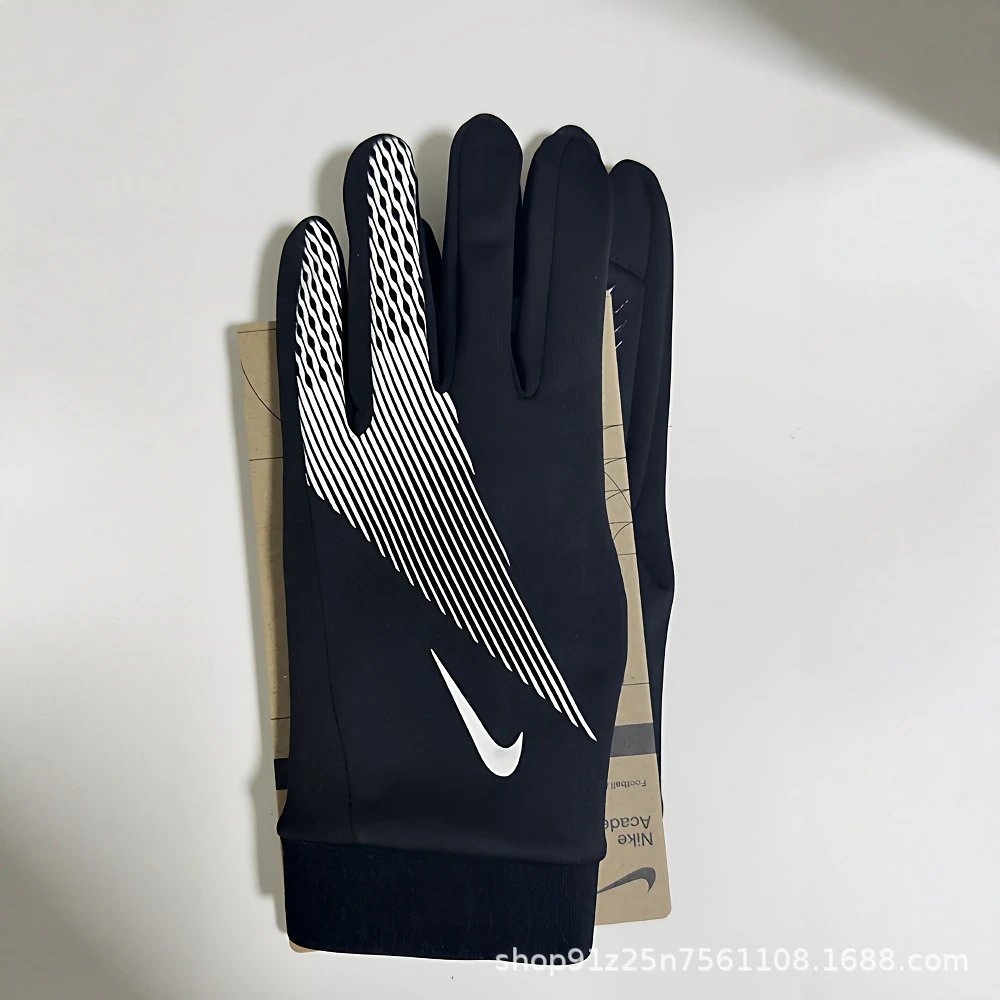

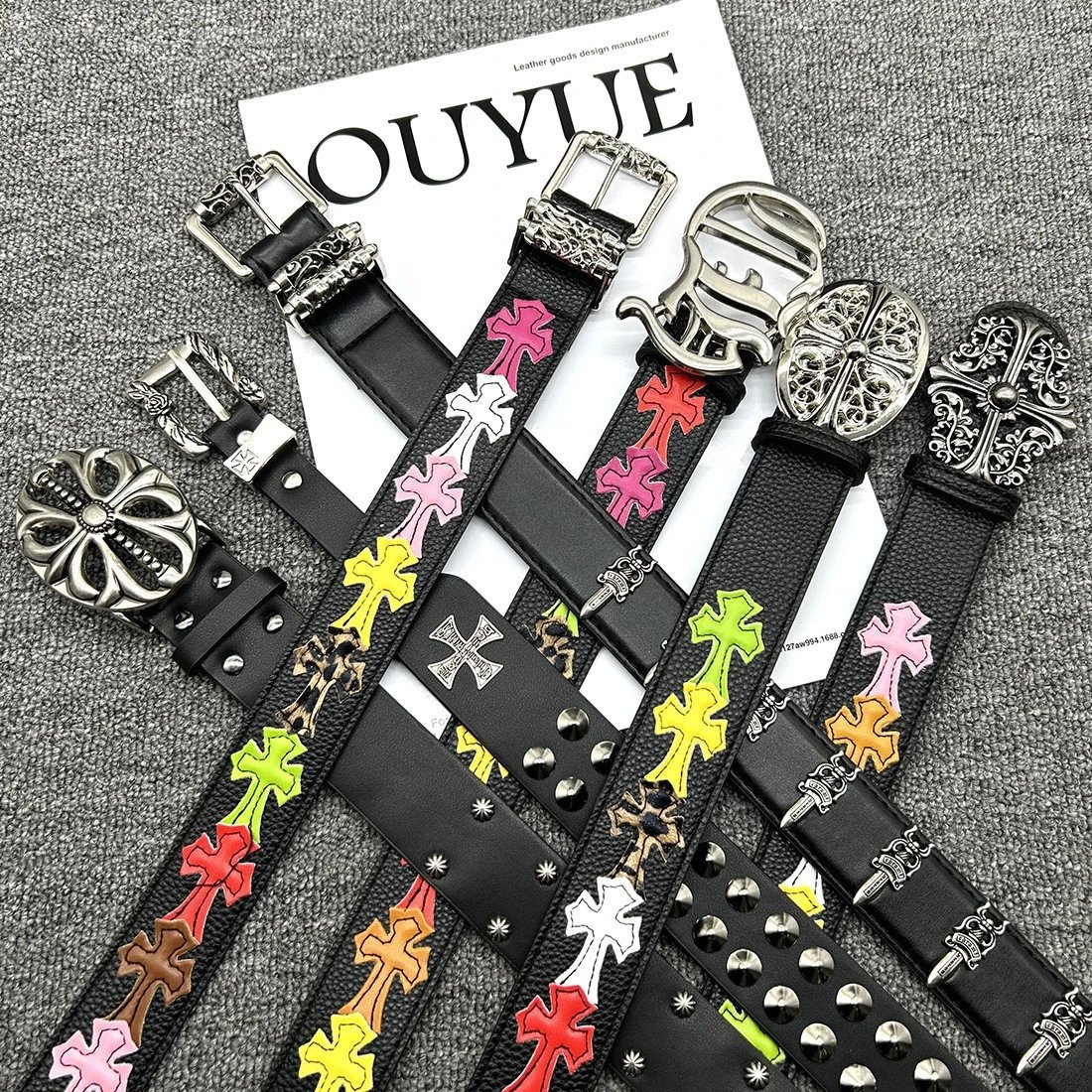


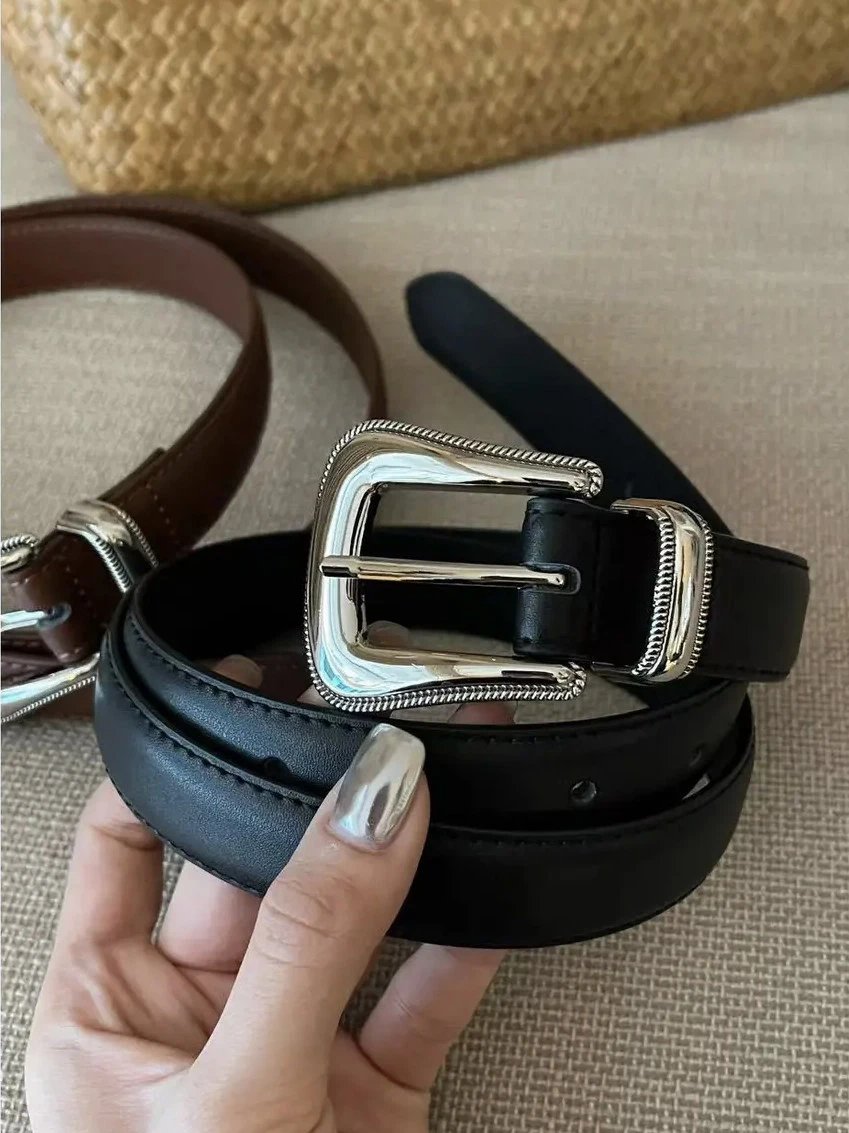
Try a name in the search box, pick a category or use an image you have saved. Keep the same category selected as you compare brands and sorting options.
Compare the main photos with the style previews. Where QC references are available, open them separately to inspect the item rather than relying on its title alone.
The iTaoBuy button carries the listing’s original marketplace link. Review the current item and choose your order options on iTaoBuy.
Find sneakers, boots and other footwear in one collection. Use product photos to compare the toe, sole and construction, then inspect any available QC for the same listing.
Explore tees, shirts and hoodies by their own product type. Compare front and back photos and use style previews to distinguish similar designs.
Browse trousers and shorts without losing track of the original item. Inspect the cut, pockets and hems, then confirm the seller’s measurements on the destination page.
Search jackets and coats with their construction in view. Look at collars, fastenings and lining photos before deciding which listing to open on iTaoBuy.
A matching image does not always describe the complete set. Open the listing, check each piece shown and confirm what the seller includes.
Keep the exact listing in view when comparing socks and underwear. Check the photos and confirm sizing and pack quantity on the seller’s current offer.
Explore bags, hats, watches and jewellery through specific collections. Close-up photos can help distinguish hardware, closures and other small details.
Use product photos to identify the device you are looking for, then verify the exact model, specifications and compatibility on the destination listing.
Browse the remaining finds by their individual listing. Check the source link and product photos so a similar appearance is not mistaken for the same item.
The iTaoBuy Spreadsheet is a searchable way to browse individual product listings with photos, reference prices and links that continue to iTaoBuy. You can browse without choosing an order option or creating an account here. A listing helps you investigate an item; its presence in the spreadsheet does not mean it has been independently tested or recommended for every buyer.
If you already know what you want, start with a product name or brand. If you are exploring, choose a category. If you only have a saved picture, use image search and compare the returned listings before opening a purchase link. For a specific product type, open Categories, choose a department and then its more specific collection. Use a short model name or a few distinctive words if a longer search gives no matches.
Yes. You can narrow a search by category and brand, then change the order of the results. Each selection updates the list immediately. Sorting changes how the matching listings are arranged; it does not turn them into independently reviewed products or establish their quality.
When you follow a category link or move to the next results page, the current search and sorting stay with you. Changing a filter starts again from the beginning of that selection. If the results become too narrow, remove an active filter or use Reset to return to the unfiltered spreadsheet. An empty result can come from the combination of conditions rather than the absence of an item everywhere. Clear the search inside the brand selector if needed, then remove a restriction or simplify the product search.
Start with the exact source listing, then compare the seller photos, style previews and any available QC references. Two listings may share similar images while offering different options. A similar title, brand label or photo is not enough to establish that the listings describe the same item.
Look at several views rather than a single thumbnail. Check visible details such as construction, fastenings or print placement where relevant, then review the current description and options on the destination page. Keep the source link for the listing you actually intend to open.
A style thumbnail changes the image preview so you can inspect that appearance more closely. Enlarging a product photo opens the image viewer, where you can examine the full photo and move between available pictures. Main product images and style previews serve different browsing purposes.
These actions do not select a size, colour or quantity for an order, reserve stock or add anything to an iTaoBuy cart. When you continue to iTaoBuy, choose and confirm the actual options there. If a style lacks a clear photo or description, check the destination listing rather than guessing from a nearby thumbnail.
QC photos are existing reference images associated with a listing. They can help you inspect visible details from additional angles alongside the seller’s pictures. They are separate from the style previews and are not photos of a new order you have placed through this website.
Use them as visual references rather than a guarantee of authenticity, materials, fit, future stock or the condition of the next item. Check that you are looking at the intended listing and compare more than one image when possible. An earlier reference cannot replace checking the details of your own purchase. Reference coverage differs between listings: some have no QC or only a few images. Missing QC does not establish quality either way; if an important detail is not shown, treat it as unknown rather than applying another listing’s photos to this item.
Open Image search and upload a JPG, PNG, WebP or GIF image. You can also drop an image onto the upload area or paste an image from the clipboard when your browser supports that action. Choose the image itself rather than a page link. The upload area shows the selected picture and the search progress.
A clear image focused on the item is a useful starting point; heavily cropped details or busy backgrounds can make matches less helpful. If an image cannot be read, save another copy in a supported format and try again. Use Cancel to stop a search or Retry after a temporary failure without selecting the image again. A match is a visually similar candidate, not proof of the same seller, materials or options. Compare its full photos and source link. Use the result-page controls to browse the matches already returned, or try another image if they are not useful.
Prices in the spreadsheet are reference amounts for comparing listings. USD is the default display currency, and you can choose another available currency from the header. Changing the currency changes the displayed conversion; it does not change the underlying product or fix the amount that you will pay on iTaoBuy.
A seller can change a price, and different options may have different current offers. Check the selected item and its actual price on the destination page before confirming a purchase. A lower reference price alone does not establish better value, availability or quality.
The button opens iTaoBuy with the original marketplace link for the product you are viewing. It is a continuation to that item, not an order submission. You may need to follow iTaoBuy’s own account or product-page steps before you can review the listing and its options.
Check the product identity again after arriving, then choose the size, colour and quantity there. If iTaoBuy does not display the expected listing, compare the source link or try again later. Do not confirm a different-looking item merely because you arrived through a spreadsheet link.
The original link identifies the marketplace listing behind the product. It helps distinguish items with similar titles or pictures and gives you a reference when checking the destination page. The source product ID belongs to that listing; it is not an order number or an option selected for checkout.
Use the copy-source button on a supported product page to copy its link. Wait for the success message before pasting it elsewhere. Keep the complete copied link when comparing listings, and make sure you have copied the intended product rather than a nearby recommendation.
A source seller can remove a listing or change what it offers, so an older reference may no longer lead to a purchasable item. A temporary loading problem can also prevent a page from opening. These situations are different from a valid listing whose available options have changed.
Retry once if the page reports a temporary error, and compare the original source link if the destination looks wrong. If the item remains unavailable, return to its category or use image search to compare alternatives. An alternative is a separate listing and needs its own checks; it should not be assumed identical.
Use the language selector in the header to change the browsing language. You can continue with the equivalent page where it is available, and the product’s source identity stays the same. Language selection and display currency are separate controls, so check both if you want a particular combination.
Product titles and seller content may remain in their original language, and some editorial text may appear in English. A translated interface does not change the item’s options or translate the seller’s current offer into a purchase commitment. Verify the exact details on the destination page.
iTaoBuy Sheetz is an independent product-discovery website and is not operated by iTaoBuy. Our registration and purchase links include a referral code, and we may earn a commission through those links. This relationship does not turn the spreadsheet into iTaoBuy’s own catalogue or make its listings official endorsements.
The registration link takes you to iTaoBuy. Account access, order options, payments and order support are handled there. For a question about a specific order, use the support route associated with that account and order rather than treating a spreadsheet reference page as an order record.